

Platinum Version 2 All-In-Ones & Tablets
Welcome Kit
Early Literacy Station Platinum – AfterSchool Edge Platinum –
Bilingual Spanish or French Literacy Station Platinum
Thank you for being an AWE Learning Customer! We appreciate your
dedication and commitment to early learning! This page features a
variety of information to help you integrate your NEW Platinum
Version 2 AWE Learning workstations into your library. Includes
setup guides, tip sheets, keyboard shortcut cards, marketing
resources, and much more!
Getting Started – Platinum Version 2
The Quick Setup Guide below will help you to get your
workstation out of the box and powered up for use. The Admin Guide will assist in setting up features in the
Administrative Panel that will be best suitable to the needs at your community
learning hub.
|
|
|
| Quick Setup Guide All-In-One | Admin Guide All-In-One & Tablet |
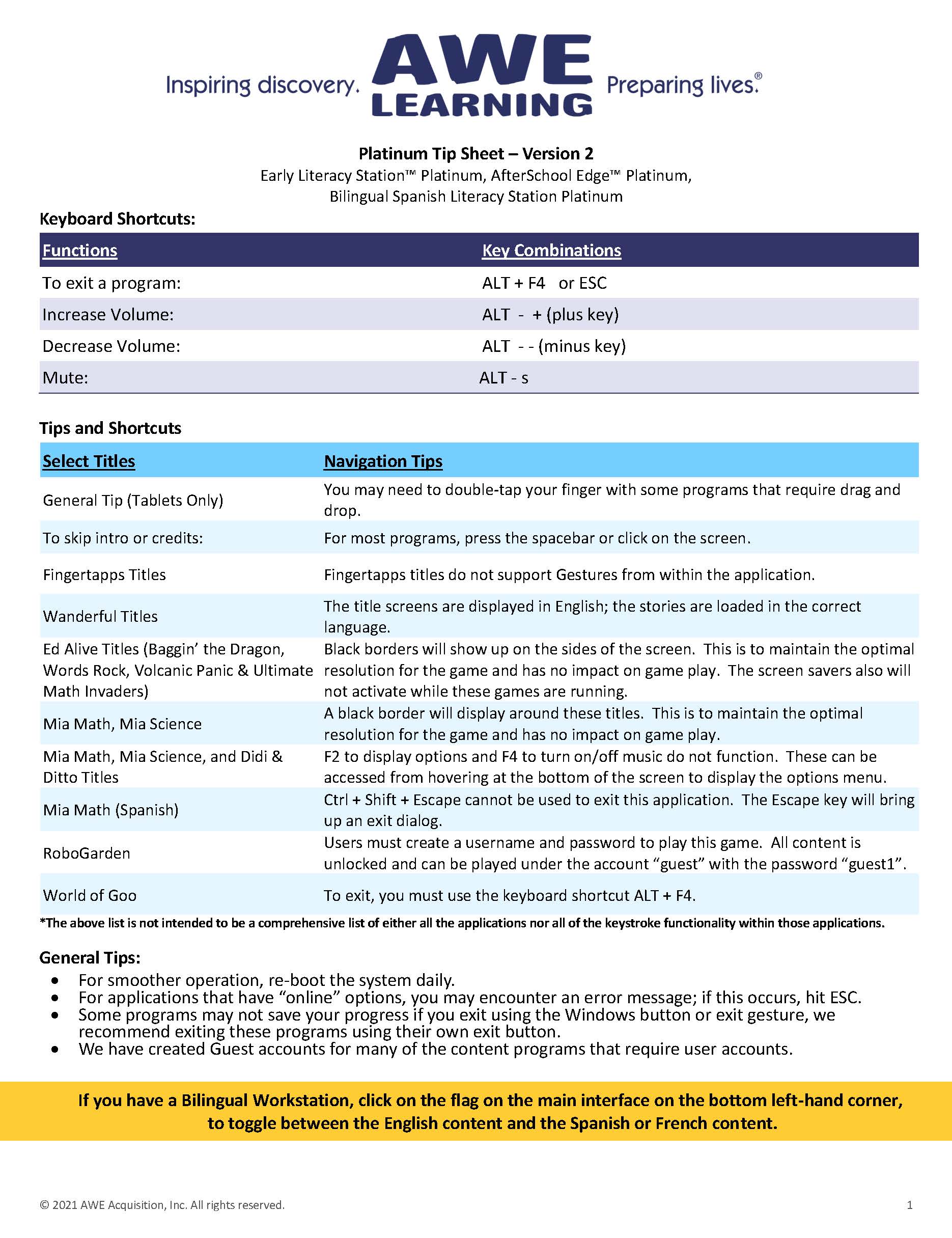
Tip Sheet All-In-One & Tablet |
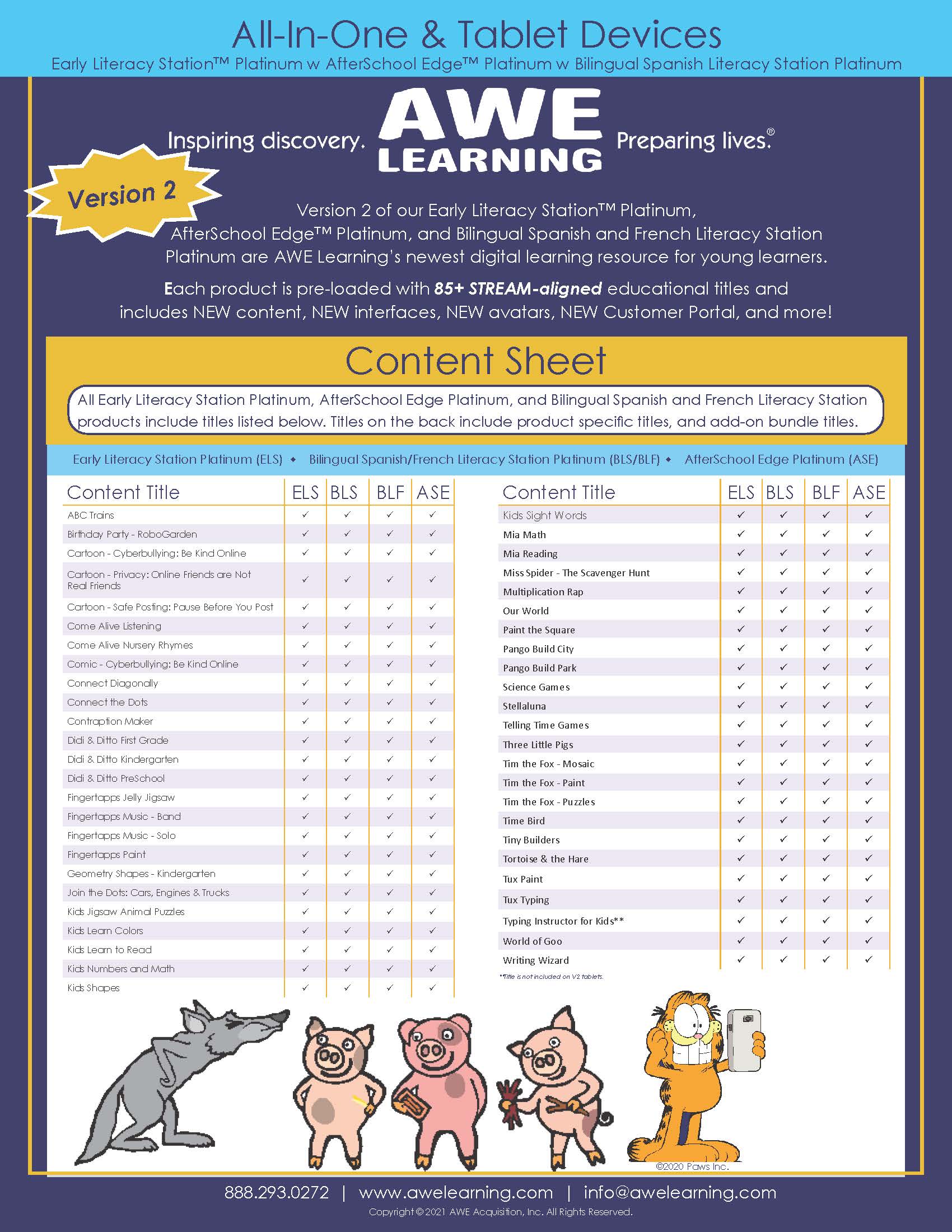
Implementation Resources
Print the documents below and place them by your workstation.
They will provide program suggestions and workstation tips for
parents and guardians to help guide their children with their
learning.
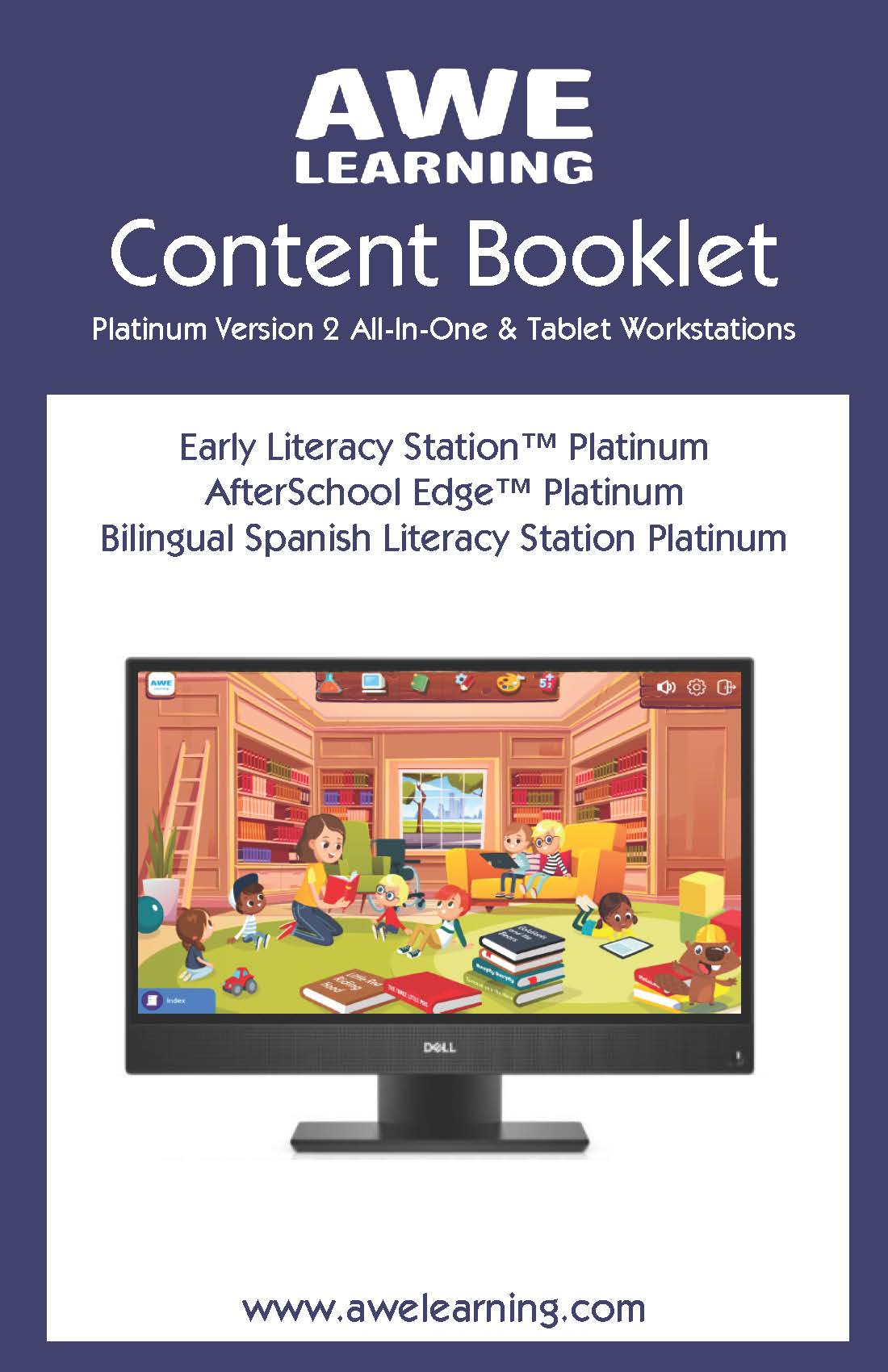
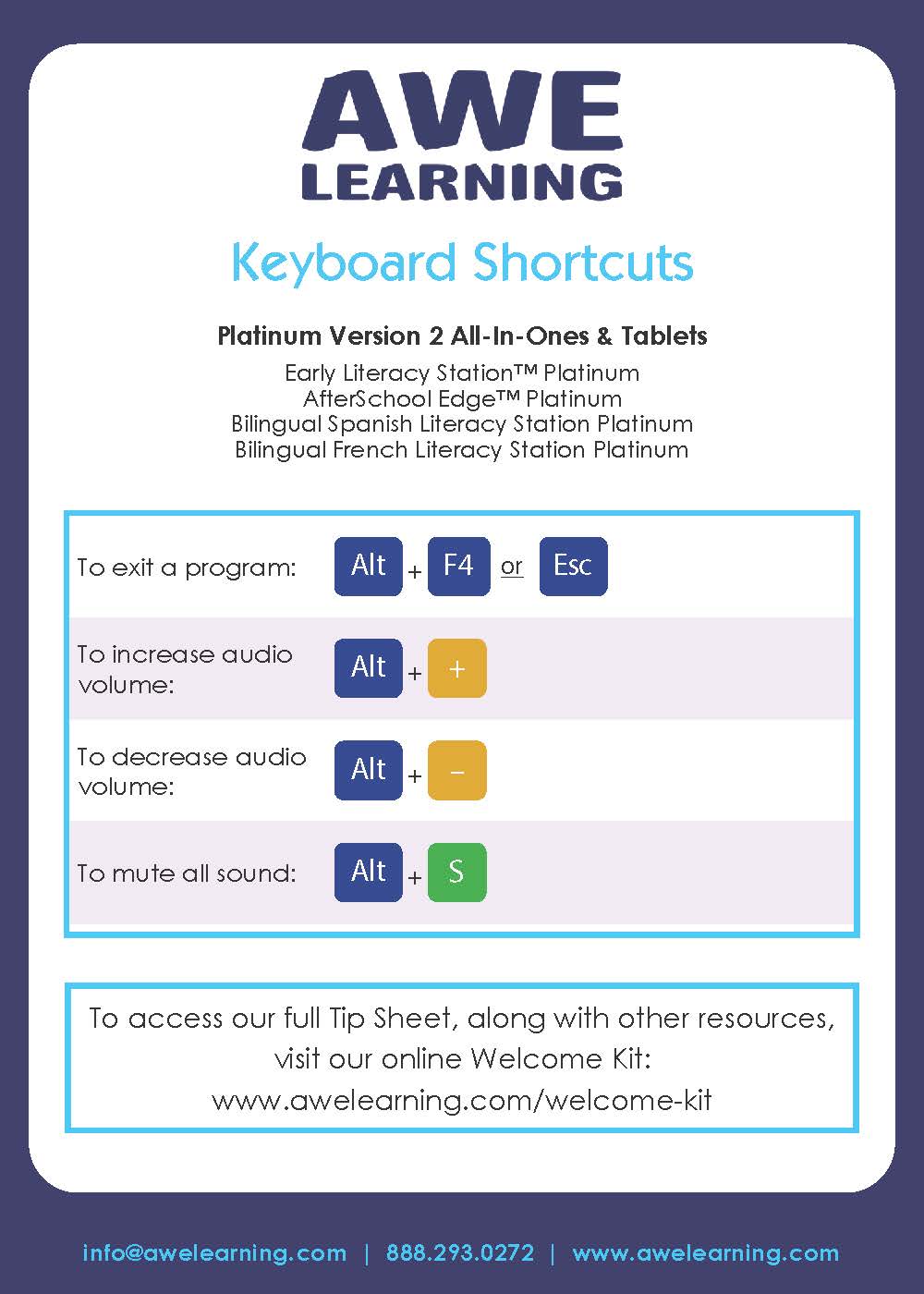
Workstation Stands & Enhanced Support Stand
Instructions
Need assistance putting the stand on the back of your
workstation?
Watch the tutorial below. (This is for workstations purchased after May 15, 2021
only).
Did you purchase an Enhanced Support Stand with your
workstation?
Watch the tutorial below. (This is for workstations purchased after May 15, 2021
only).
Check out our tips below to keep your workstations germ-free
and avoid any harm to your units!
Support Tutorials
-
Version 2 Demo Video:
Overview of Platinum Version 2 workstations -
Administration Panel Tutorial:
Overview of each tab in the Administration Panel
Contact Customer Support for Version 12, 13, and Platinum 1
collateral and resources.
